


Ryan, our fearless CEO, tried something that Luka, our fearless CTO, built this week. He installed the Shovels CLI, opened Claude Code, and typed one prompt with zero setup, zero context, zero instructions:
"Use the shovels cli to find the most active roofing contractors in Contra Costa County."
Claude figured out the rest on its own. It found the CLI binary, read the help docs, resolved the county's geo ID, ran the contractor search, and returned a ranked table. No hand-holding required.
That's what we built this for.
What Is a CLI?
CLI stands for Command-Line Interface. Think Terminal on your Mac, a shell prompt, green text on black if you want to go full retro.
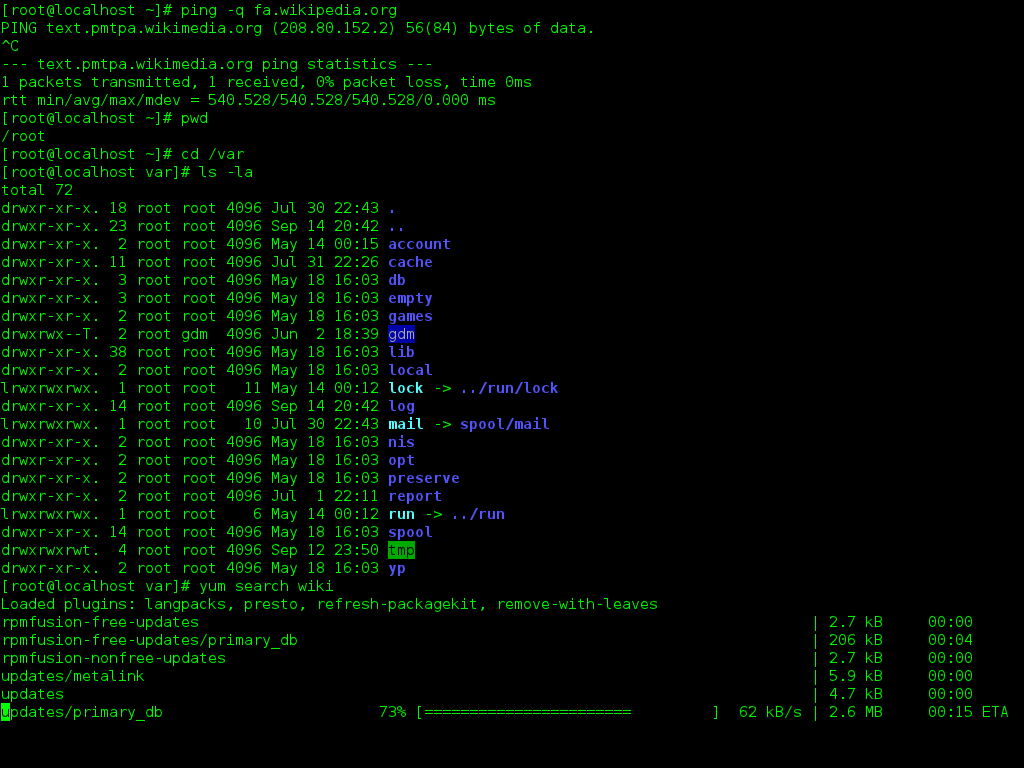
The Shovels CLI is a single binary that gives you direct access to our full U.S. dataset: building permits, contractor records, address data, city planning notes, and more. You run it from your terminal. It returns clean JSON.
It sits on top of the Shovels API, but it's designed to be a lot easier to work with, especially for AI agents.
CLI and MCP: two tools, different jobs
You may have heard of MCP (Model Context Protocol) — the open standard that lets AI assistants connect to external tools and data sources through a structured interface. It's a solid approach, and part of how Charlie accesses our data.
So why build a CLI?
Because they're good at different things, and for agent workflows specifically, CLI has some real advantages worth understanding.
MCP shines when you need standardized access across multiple AI clients. If you want Claude Desktop, VS Code, Cursor, and a custom chatbot to all use the same Shovels integration without duplicating code, an MCP server is the right call. It handles OAuth, supports streaming responses, and works well in environments where a human developer is in the loop and needs rich, interactive context.
CLI shines when an agent is doing the driving. AI models are already deeply CLI-native — they've been trained on billions of lines from GitHub repos, Stack Overflow threads, and web pages. They understand git, aws, gcloud, and curl without any additional schema definitions or token overhead. One benchmark found CLI-based agents had 95% of their context window free for actual reasoning, versus MCP setups where tool schema definitions alone can consume tens of thousands of tokens before any real work begins. It's also composable: a CLI agent can pipe outputs, chain commands, and filter results at the shell level in ways that MCP tool calls don't naturally support.
So how do we build that? That was an open question we tackled. One answer is to give full access to our APIs via a CLI, which is much more agent-friendly. That's what's cool about this: it's easier to find code that interacts with the CLI than with the API, where it really has to study the docs and work within specific parameters.
AWS and Google Cloud don't ship MCP servers. They ship aws and gcloud, and Claude Code just figures them out.
The Shovels CLI follows that same philosophy. The help commands are written specifically for agents to parse. Give it to Claude Code or any agentic workflow and let it run. It'll learn how to use it on its own. If you're scripting, automating, or building an agentic pipeline, the CLI is probably a great fit.
What makes it different from hitting the API directly
The Shovels API is powerful but it asks something from you. Pagination loops. Rate limit handling. Studying the endpoint docs before your agent can do anything useful. It gets things wrong.
The CLI wraps all of that:
- No more pagination loops. The CLI handles cursor management and pagination automatically. No more writing your own loop logic.
- Built-in retry logic. Rate limiting is handled automatically with exponential backoff. Your scripts won't blow up under load.
- Counts, finally. Every query returns the total count of matching records (up to 10,000). Your agent always knows the scope of what it's working with.
- Credit tracking on every response. Every result includes how many credits you used and how many you have left. Your agent always knows the cost.
- Agent-friendly output. JSON to stdout. Errors to stderr. Meaningful exit codes. Clean, contained, and easy to parse.
And, it compiles to a single binary. Drop it on macOS, Linux, or Windows and you're ready.
Who this is for
The modern AI hacker. The Claude Code power user. The startup building an agentic workflow on top of permit data.
Maybe you're building a sales signal pipeline that surfaces solar permits before your competitors notice. Maybe you're pulling roofing contractor filings by county to build a targeted outreach list. Maybe you just want to mash up Shovels data with Claude Code and see what happens.
That's exactly what this is for. If you're using Shovels Online or our Snowflake data share, you probably don't need it. But if you're calling the API from code or wiring it into an agent, the CLI is way better.
How to get it
Grab an API key from your Shovels dashboard, then install with one line:
curl -LsSf https://shovels.ai/install.sh | sh
Learn more at shovels.ai/cli or dive deep in our Knowledge Base.